
Form Bridge
web forms into Perfex leads, customers and tickets.
Form Bridge gives each of your web forms its own secret webhook link. Every submission is logged, mapped to Perfex fields (custom fields included), routed by your rules, checked for duplicates and turned into a lead, a customer with a contact, or a ticket. Read these pages in order the first time; after that, press / and search.
01What you bought
Form Bridge is a module for Perfex CRM. Perfex CRM itself is sold separately and is not part of this item. After you install the module, a Form Bridge menu appears in the Perfex admin sidebar.
A connection stands for one form. It has a secret webhook link that you paste into your form tool (Webflow, Typeform, Tally, Gravity Forms and others, see Form tools). When a visitor sends the form, the form tool posts the answers to that link and Form Bridge does the rest:
- Receive and logThe request is checked (secret link, size, rate limit, signature or secret header where the tool offers one) and stored in the submission log.
- MapYour mapping decides which form field fills which Perfex field, including custom fields, with simple formatting (lower case, phone number, date and so on).
- RouteThe first routing rule that matches can assign a staff member, take turns among a group, set lead status, source and tags, or turn the submission into a ticket.
- Check duplicatesA matching lead or customer (by e-mail, optionally phone) is handled the way you chose: create anyway, fill empty fields, add a note, or ask a person in the review queue.
- CreateThe lead, customer or ticket is created through Perfex's own models, the assigned staff member is notified, and the log links to the record.
02What is in version 1.0.0
- Unlimited connections, each with its own secret link, an on/off switch and a target: Lead, Customer + contact or Ticket.
- Twelve form tool choices: five with signature checks (Webflow, Framer, Typeform, Tally, Google Forms through a script the module gives you), Gravity Forms in its documented format, five tools through the Universal webhook with a preset, and the Universal webhook itself (JSON, form-urlencoded, multipart).
- Field mapping with custom fields of leads, customers, contacts and tickets, up to three form fields joined into one, a default value and a value map ("SK = Slovakia").
- Routing rules with 11 comparisons, "all" or "any" conditions, assignment, round-robin, lead status, source, tags and "create a ticket instead".
- Duplicates and a review queue. An e-mail address of an existing record is never overwritten.
- Submission log with search, filters, the raw payload, the result and Save and replay; automatic retries through the Perfex cron.
- Protection: rate limit, size limit, repeat detection, honeypot field, blocked e-mail domains.
- Privacy: payloads removed after a retention period (default 30 days), export and erase by e-mail.
- Optional AI helper with your own key: mapping suggestions and message summaries that wait for approval. The module works fully without it.
- Staff permissions (View, Create, Edit, Delete) and an English language file you can override.
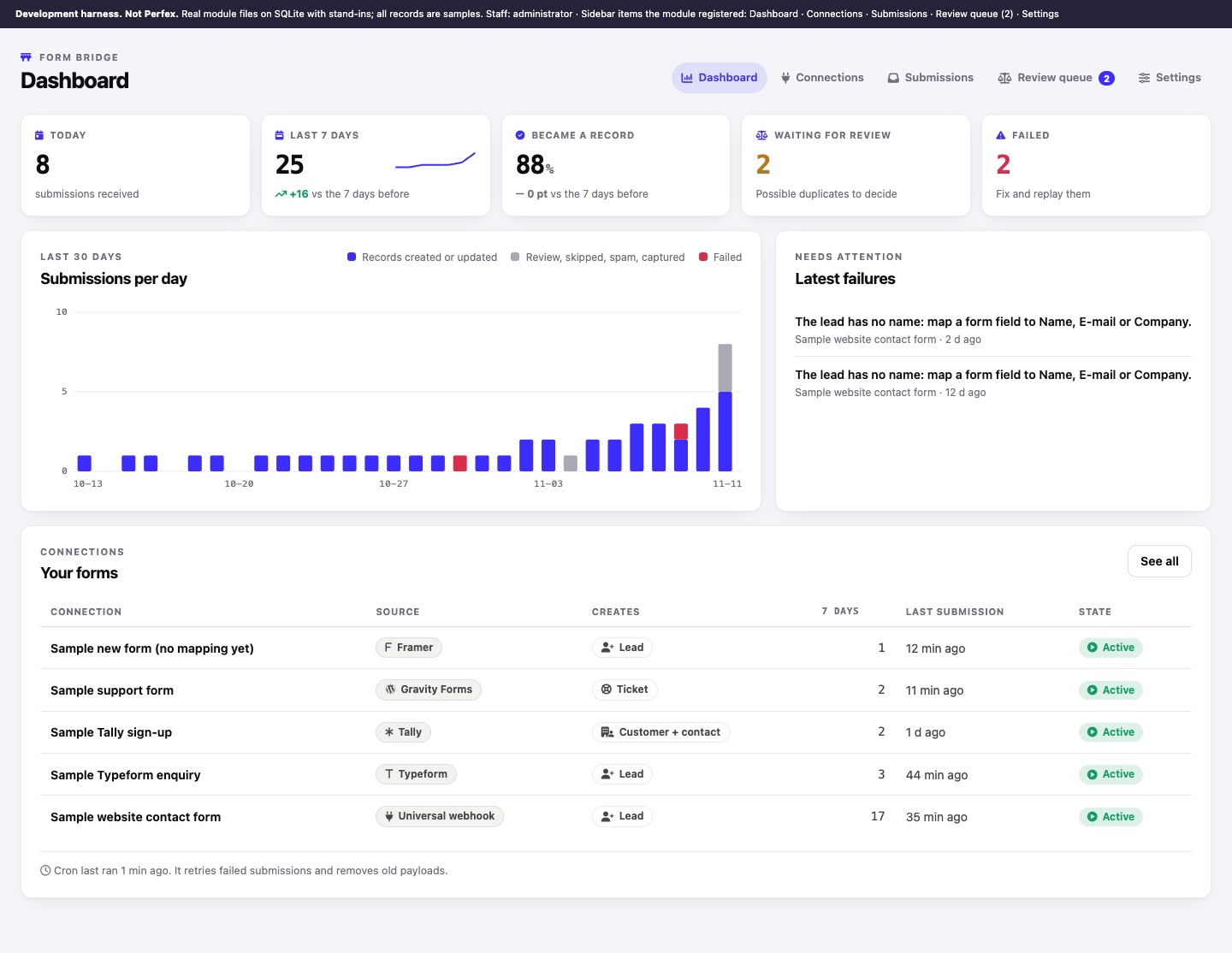
Form Bridge 1.0.0 was developed and tested with automated tests and a development harness that runs the module's own files on sample data. It has not yet been run in a licensed Perfex CRM installation by MIKODES. The screenshots in these docs come from that harness and show sample data only.